Project Portfolio Management Tool
From tracking requests to profits & everything in between, we've got you covered.
Project Request Tracking
Collate project requests from various sources in one place. Sort requests based on your business KPIs. Easily match demand with capacity and choose projects that maximize business value.
Create from emails, forms or spreadsheets
Configurable ranking logic
Custom fields, workflow and KPIs

Project Planning
Build dynamic project plans that automatically adjust to changing real-world conditions using powerful project planning and scheduling tools.
Automatic Scheduling
Inter-Project Dependencies
Multiple resources per task

Project Tracking
Address problems with milestones, tasks and projects without leaving your dashboard. Stay on top of your projects with automatic email alerts.
RAG health indicators
Critical path analysis
Baselines & EVA

Project Accounting
Get real-time visibility into budget spends, receivables and profitability across projects and portfolios.
Profit & Margin Tracking
Revenue Forecasting
Custom Financial KPIs

Portfolio Management
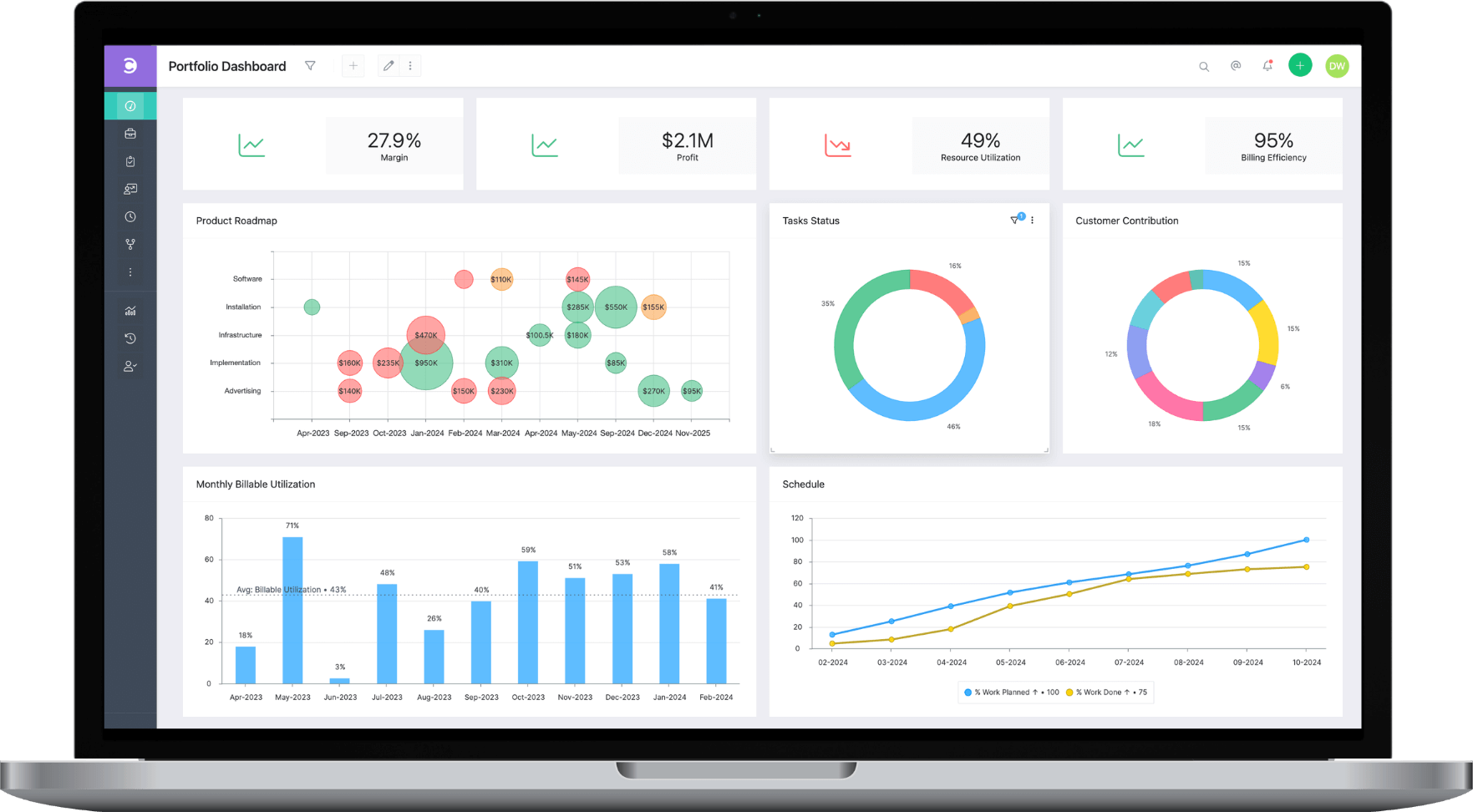
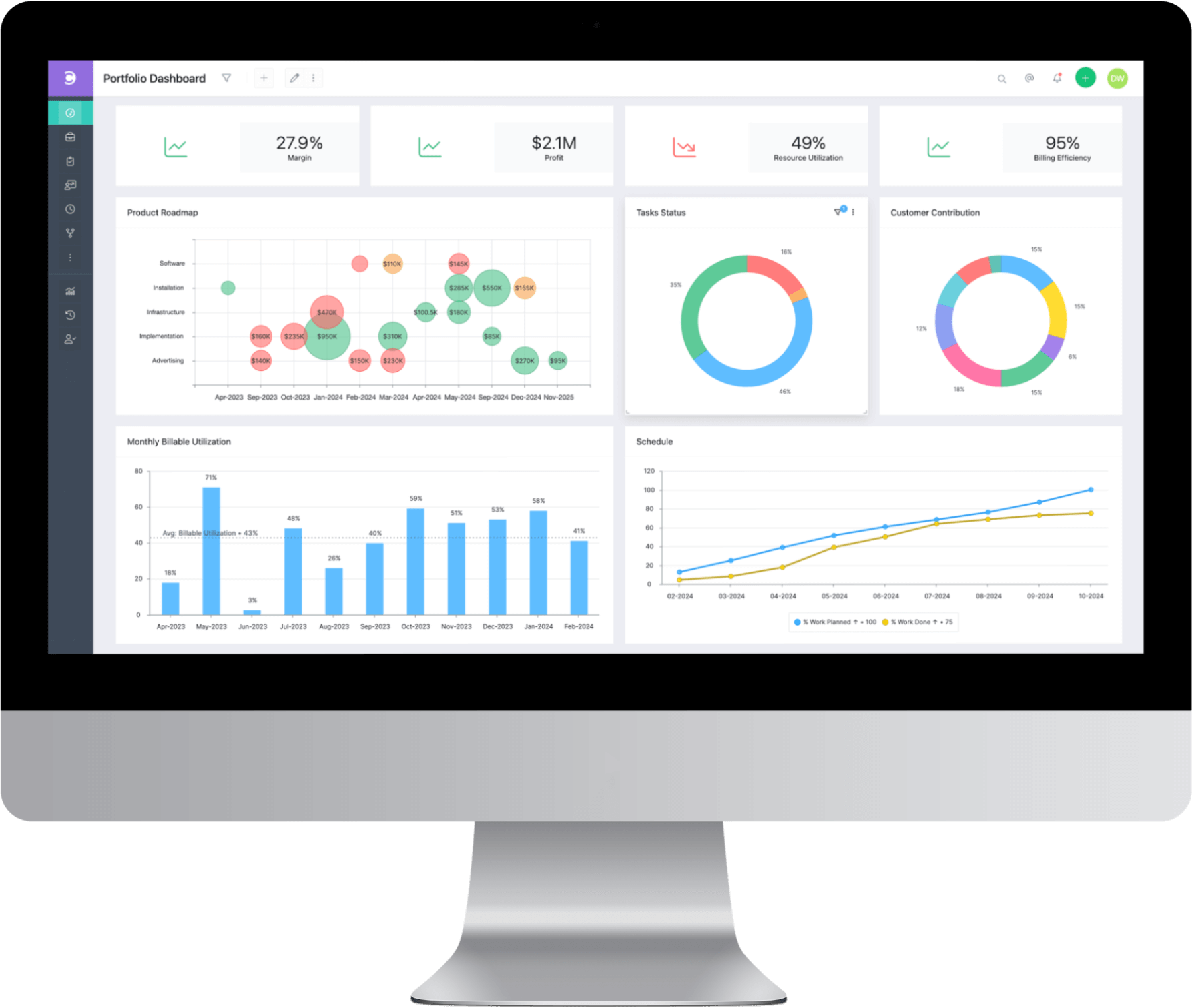
Get aggregated information about your projects with our fully customizable portfolio dashboards. Customize and track important portfolio KPIs with ease.

Redefining AI Project Management Software
More than just a virtual assistant, Lex actively analyzes your project data to deliver real-time insights, actionable solutions, and tailored recommendations. Designed for AI project management, Lex simplifies complex workflows with natural language commands and provides intuitive access to relevant dashboards.
Get A Demo See What Lex Can Do

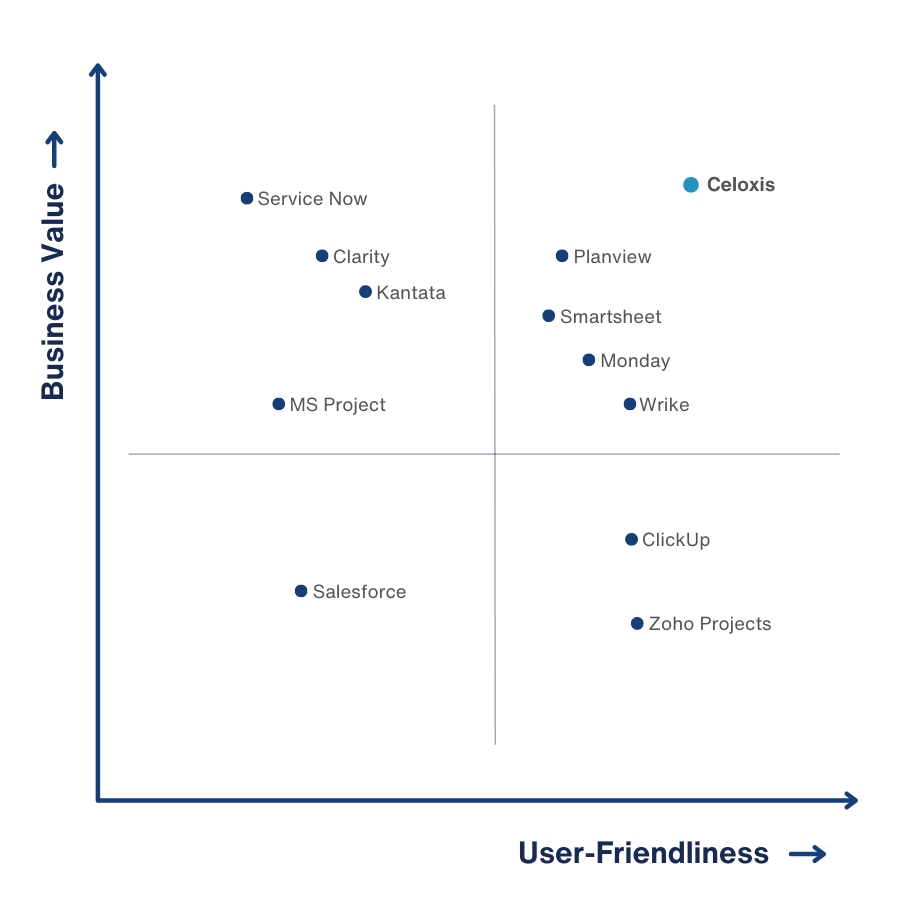
A Unique Value Proposition
The perfect balance between capabilities, ease-of-use and price.
Absolutely phenomenal! From its intuitive interface to its robust features, every aspect of Celoxis screams efficiency and effectiveness.

Level up with Workflow Apps
Track your business processes alongside your projects with our built-in workflow apps or create your own with custom fields, routing rules and escalation policies.
Celoxis Integrates Seamlessly with JIRA and Azure DevOps
Get direct access to development progress and resource utilization within Celoxis Project Management Software, eliminating the need to switch between different apps for updates.

Resource Management
Easily allocate resources to tasks based on availability, demand and skills. Optimally utilize your workforce with accurate, real-time charts.
Multiple Locations & Shifts
Capacity Planning
Holidays & Exceptions
Instant Overload Alerts

Dynamic Dashboards and Reports
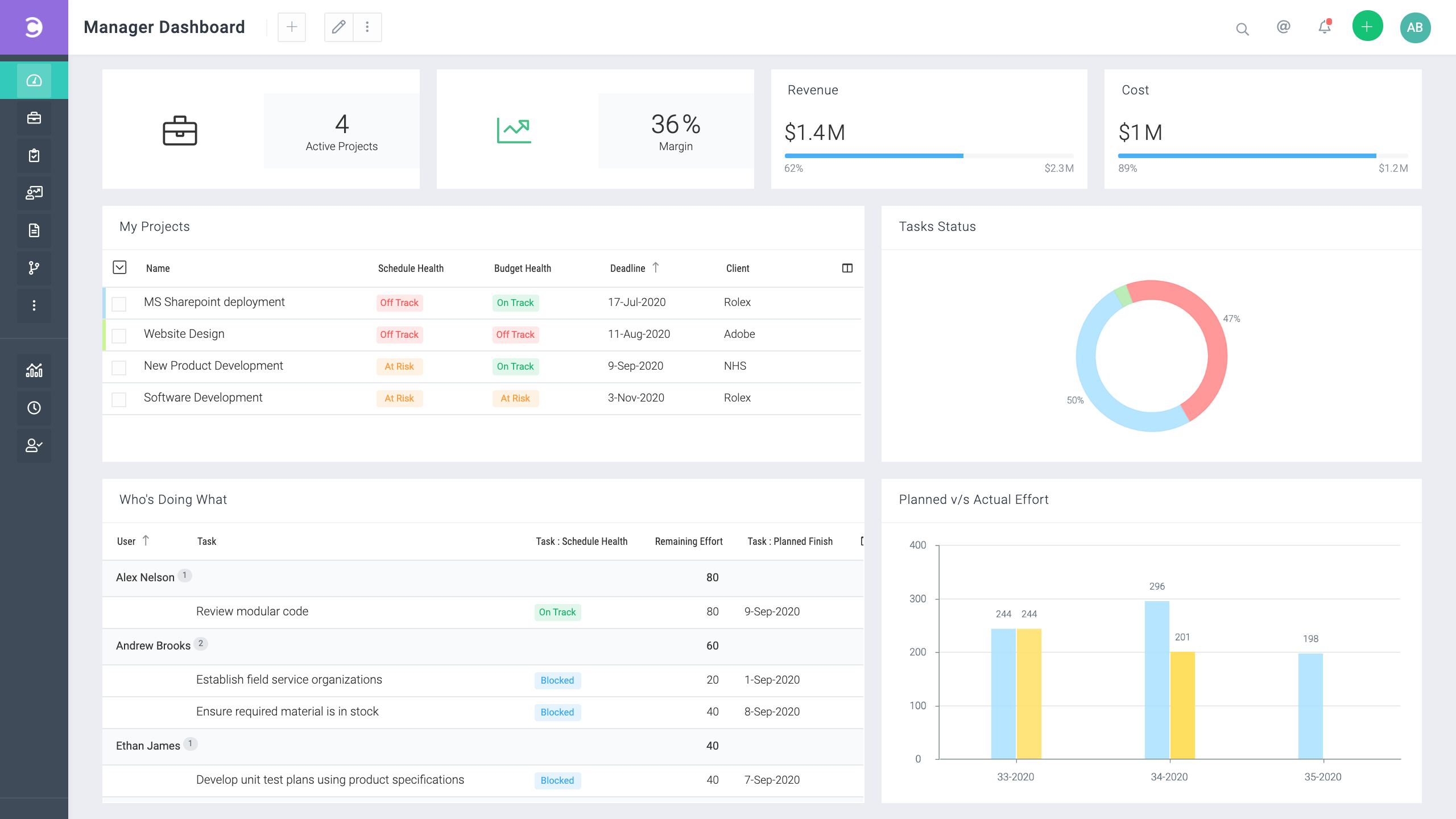
Gather consolidated 360-degree real-time insights across projects and teams with our super-powerful reports and dashboards.


Reporting on custom fields
You can use them in filters, columns or charts. Yes, even formula fields!
Custom drill-down charts
You can drill-down and perform bulk actions on records in one go.
Download as PDF
You can download reports and even dashbords in PDF format.
Schedule email delivery
You can schedule reports to be delivered via email to multiple people.
Multiple Dashboards
Users can have multiple shared dashboards assign to them.
Customizable Widgets
Almost all reports can be viewed on dashboards. Resize them as necessary.
Team & Client Collaboration
Share files, discuss and exchange comments with your colleagues & clients. With our free and fully customizable client portals you save time and create an impression.
Version Control
Online Discussions
@Mentions & Notifications
Activity Stream
Shareable Calendar
Free Client Portal
Time & Expense
Track time, costs and billing with our integrated time sheets and expense module.
Multi-level Approvals
Inbuilt Timers
Automatic Reminders
Customizable Policies

Schedule a personal demo
Our product experts will craft a personalized demo tailored to address your unique requirements.

We are Multilingual
Hello • Olá • приве́т • Hallo • 你好 • Bonjour • Hola • مرحبًا
Optimized Mobile Interface
We have an optimized mobile interface to our project portfolio management tool that works on Android, iOS, Windows Mobile, Tizen or any other operating system with a web browser.

Integrate with Your Business Software
Our project management software integrates seamlessly with over 400 popular business applications and our easy to use and powerful API makes it easy to integrate with any custom or in-house software that you use.
See All Integrations

Celoxis API
Our project management software comes with a web-based and platform independent API for quick integration with your other business applications. Our API is easy-to-use and well-documented allowing you to seamlessly connect with your existing tools.
Customers Celoxis
Our team loves Celoxis PPM software! It's not just a tool; it's like having a super-smart assistant for our projects. With customizable workflows and insightful reports, the project management software has become our secret weapon for smooth project management. Highly recommended!

Celoxis is my all-in-one project management software solution. As the CEO of Visicom, I've witnessed the transformation it brings to how we work and collaborate. It's more than enterprise project management software; it's a game-changer in the realm of project and portfolio management.

Celoxis is the best project portfolio management software that I have worked. Its excellent features and exceptional reporting capabilities are outstanding, and it has truly streamlined our global implementation projects. The PPM tool has become essential for our project portfolio management needs.

Best Project Portfolio Management Software helps optimize project portfolios, resources & workflows. Get project portfolio management (PPM) tool features, advanced business capabilities, and dynamic dashboards & reporting.

Celoxis has quickly become an indispensable project portfolio management software for us. It has transformed our project management approach, providing a comprehensive solution for task tracking, client reporting, and management oversight. Its advanced features, including portfolio planning and resource optimization, have been instrumental in turning our strategic roadmap into actionable initiatives. Celoxis is more than just project portfolio management software; it's a key driver of our operational success.

Celoxis Enterprise PPM was meant to improve our project management, but it has profoundly impacted the way we work. It has transformed the way we run our operations, our decision-making and most importantly our culture.

Latest Project Management Software Insights
Explore expert insights and gain tips to optimize project management tools and software.
Best Project Tracking Software for Remote Teams in 2026
Discover top project management tools for remote teams like Celoxis, ClickUp, Trello, Asana, and Monday offering task tracking, collaboration, & cloud access.
Read moreHow Can Project Tracking Software Help You Stay on Top of Project Timelines?
How project tracking software helps manage timelines. Celoxis, the best project tracking software, offers robust PPM tools for efficient project tracking, time tracking, and management.
Read moreProgram Management Software for Multi-Project Tracking: Top Solutions
Easily track programs and collaborate from anywhere with powerful program management software for project managers, teams, and decision-makers.
Read moreTop Project Management Software Features In 2026
Top Project Management Software Features · Project Planning & Tracking · Resource Management · Risk Management · Collaboration & Communication Tools.
Read moreProject Planning Software Guide for Project Managers in 2026
Discover the top features of project planning software in 2026. Learn how AI, predictive analytics, and centralized visibility can optimize project success.
Read moreProject Scheduling Software: Tips, Techniques, and Choosing the Right Tool
Learn how to use project scheduling software effectively. This guide provides tips, techniques, and a practical approach to choosing the right tool.
Read moreTask Management Best Practices for Project Managers
Task management best practices for project managers to boost productivity, streamline workflows, and ensure project success with top software tools.
Read moreBest Resource Management Software Tools with Features
Explore the best resource management software tools with top features. Learn why Celoxis is the top choice for resource management software & solutions.
Read moreEffective Resource Allocation: Optimizing with PM Software
Optimize resource management with project management software. Allocate resources effectively, enhance capacity planning, and boost project performance.
Read more11 Best Resource Management Software & Scheduling Tools
11 Best Resource Management Software & Scheduling Tools · 1. Celoxis: An Enterprise-Level Tool · 2. Mavenlink · 3. Smartsheet · 4. Wrike · 5. Hub Planner.
Read moreWhy is Celoxis the Best PPM Tool for Project Managers?
Transform your project management with Celoxis Top PPM tools. Boost efficiency, strategic alignment, and dynamic planning for scalable growth & long-term success.
Read moreHow to Choose the Best Project Management Software in 2026?
Select the best project management software in 2026. Follow 7 steps to choose the top PPM tools for collaboration, task management, and resource optimization.
Read moreWhy Celoxis Is the Best Project Management Software for Your Team?
Looking for the best project management software? Celoxis delivers data-driven planning, streamlined workflows, and effortless implementation in one platform. Try it today!
Read moreBest Project Management Software for Large Teams & Projects
Celoxis: The ultimate project management software for large teams, offering real-time tracking, resource management, automation, and risk management.
Read moreCeloxis: Strategic Benefits of Project Management Software
Discover how Celoxis’ project management software optimizes portfolio planning, prioritization & risk management, fostering strategic alignment and efficiency.
Read moreDiscover Celoxis
Let us demonstrate why Celoxis is the ideal PPM Solution for you.
